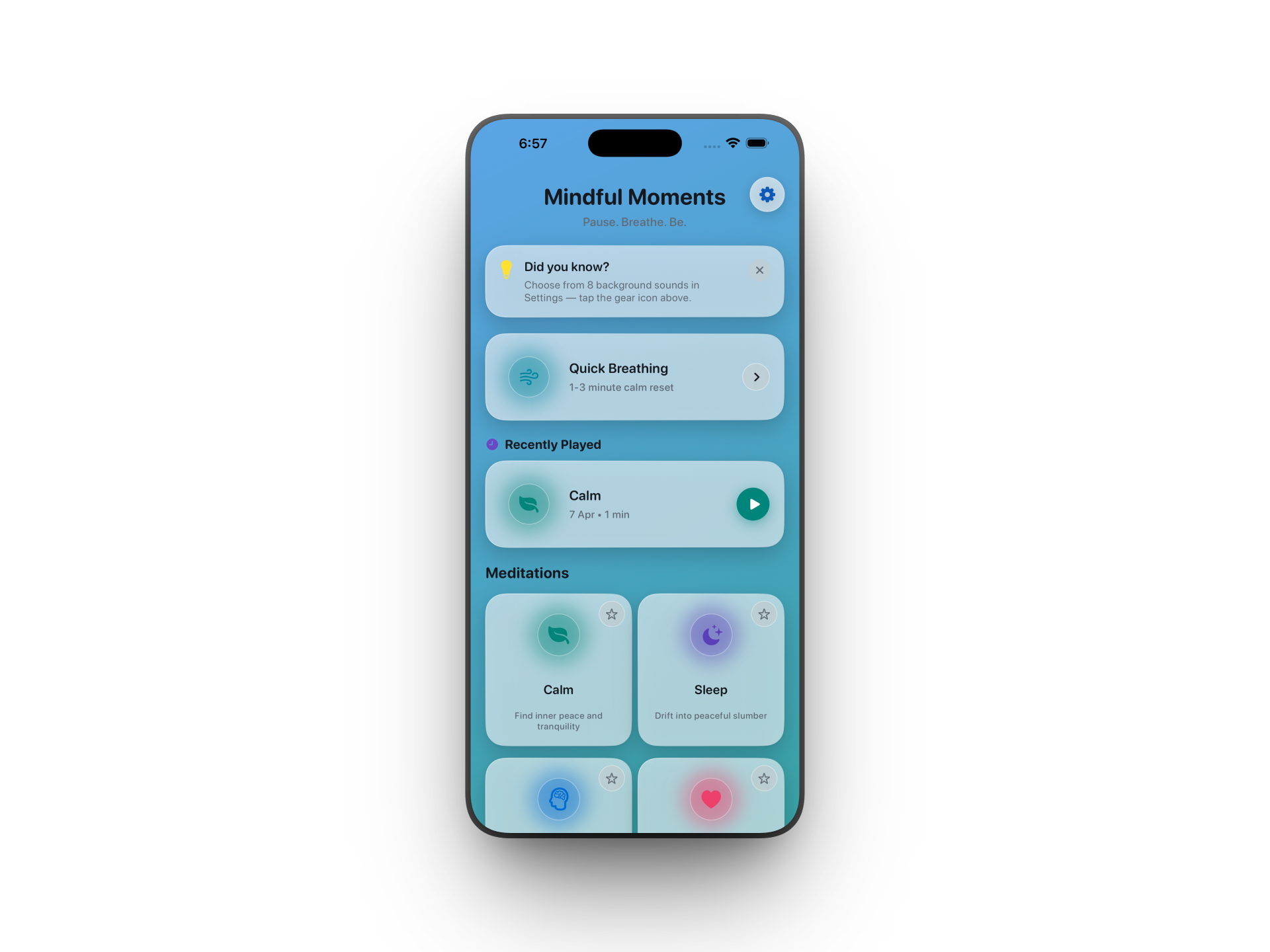
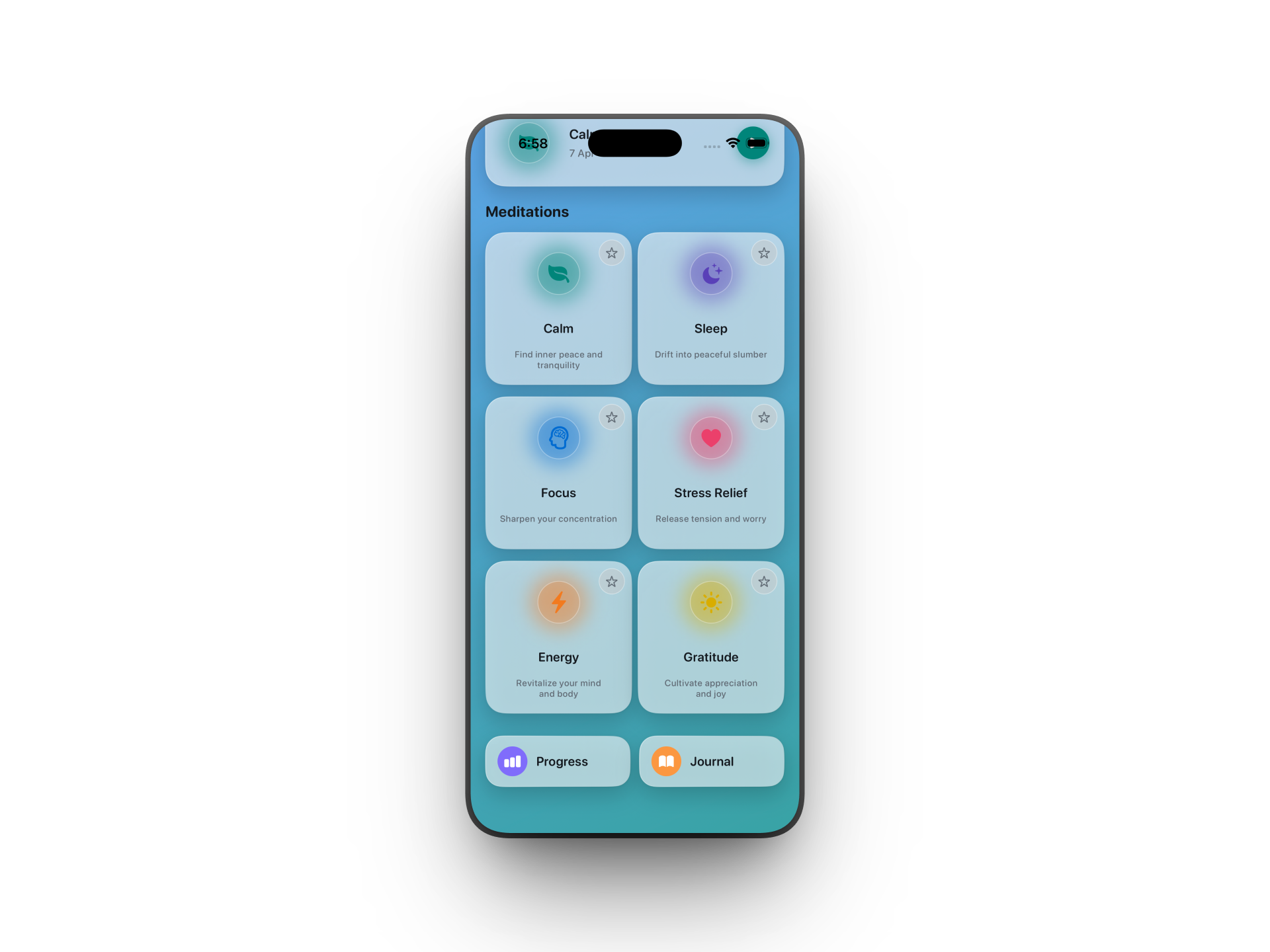
Mindful Moments brings guided meditations, breathing exercises, mood check-ins, and a personal journal together in one beautifully calm app.
Seven carefully crafted themes to meet you wherever you are today.
Ease stress and settle into stillness with soothing teal tones.
Wind down and prepare your mind and body for deep, restful sleep.
Clear mental fog and sharpen your concentration for the task ahead.
Release tension and reset with a short stress-reducing session.
Lift your mood and boost your energy with an invigorating practice.
Shift your perspective and appreciate the little joys around you.
Simple, distraction-free tools to build a daily mindfulness habit.
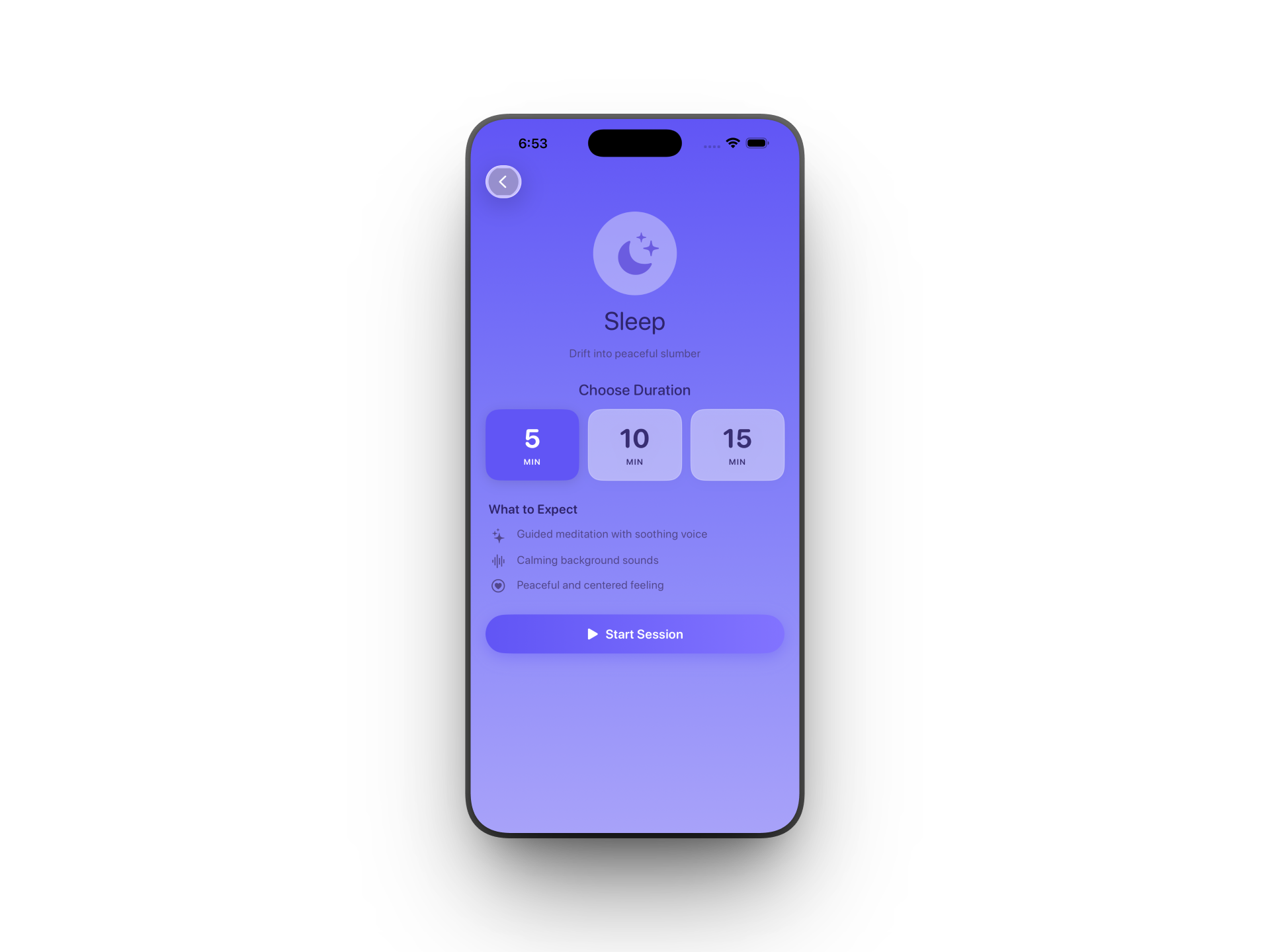
Choose from multiple themes and session lengths — 5, 10, or 15 minutes — to fit any schedule.
A simple 1–3 minute breathing exercise with a calm countdown timer to reset anytime, anywhere.
Check in with how you feel before and after each session to track your emotional journey over time.
Stay motivated with streaks and milestones that celebrate every mindful moment you invest in yourself.
View charts of your sessions, streaks, and mood trends so you can see how far you've come.
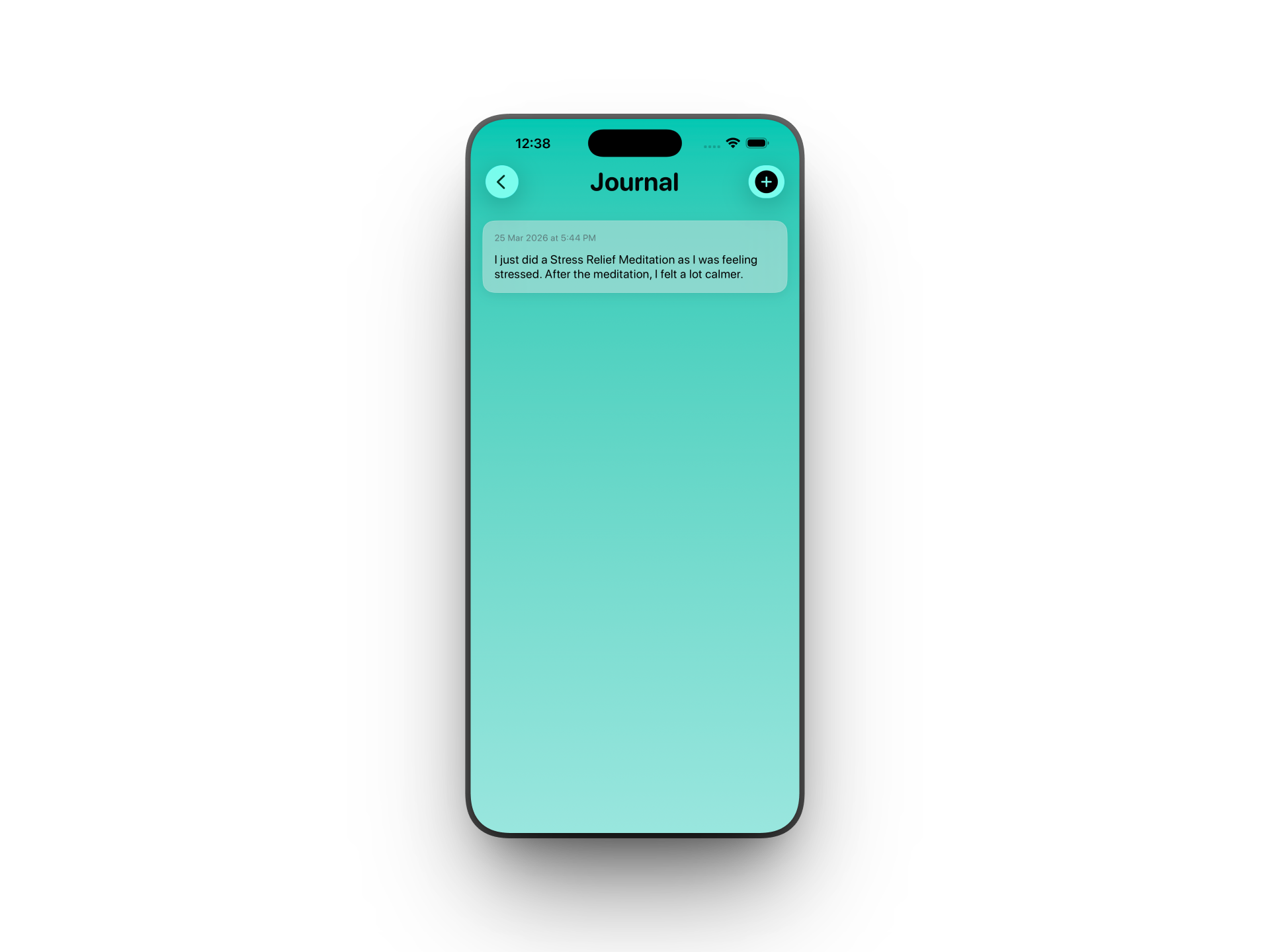
Jot down reflections right after a session while the feeling is fresh — a private space just for you.
Set a notification at the time that suits you best, so mindfulness always finds a place in your day.
Layer gentle ambient sounds — rain, forest, ocean — behind your meditation for extra depth.
Automatically adapts to your device's appearance so the experience always feels just right.
We'd love to hear from you — feedback helps make Mindful Moments better for everyone.
✉️ support.mindfulmoments@gmail.comYes — the core app is free to download and use. There are no hidden charges or subscriptions required to access the guided meditations, journal, or progress tracking.
Absolutely. Once installed, Mindful Moments works fully offline. All your sessions, journal entries, and progress are stored securely on your device.
Mindful Moments requires iOS 17 or later and runs on all modern iPhones and iPads.
Head to the Settings tab in the app, choose a time that suits you, and turn on reminders. You'll need to allow notification permission when prompted — this is the only permission the app requests.
Yes. Because all data is stored locally on your device, you can delete it at any time by removing the app. Nothing is stored in the cloud or on external servers.